Navigation and settings
Main navigation and settingsAccess the platform’s main areas and settings from the navigation.
Tribaliii · Desktop sandbox creator platform
I designed the creator journey across Creative Mode, Publish, and Play Mode with a cross-functional Agile team.
View the creator journeyFor the MVP, we focused on one complete flow: choose or create a World, build it with supported assets and controls, publish it, and enter Play Mode.
Start from a template or an empty world.
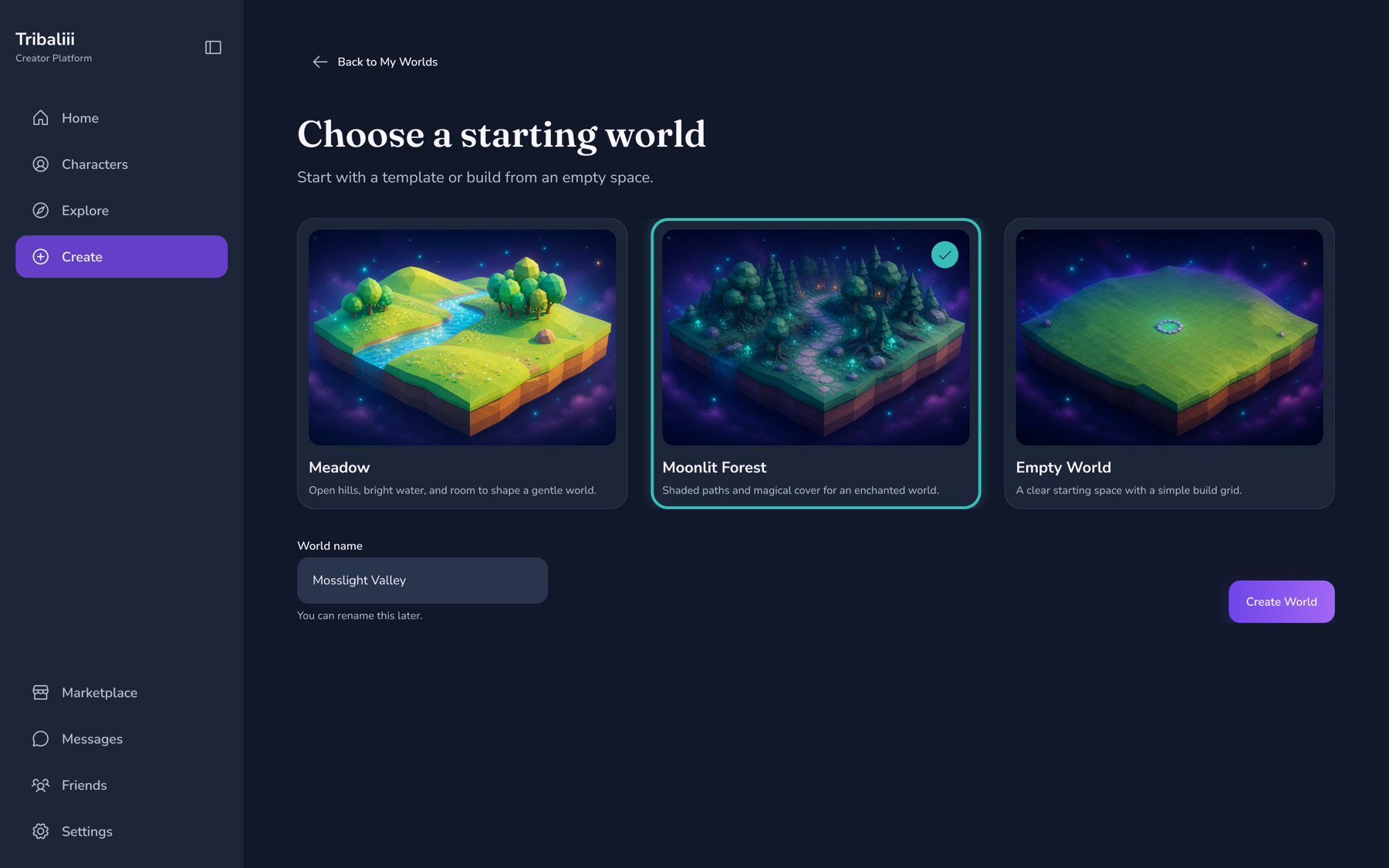
The wider product vision included characters, Marketplace, social features, collaboration, and multiple gameplay directions. With limited delivery capacity, we prioritized one path: choose or create, build, publish, and play.
I worked closely with the Product Owner, Scrum Master, developers, and other designers. I designed the user flows, navigation, interaction states, reusable components, and high-fidelity desktop UI.
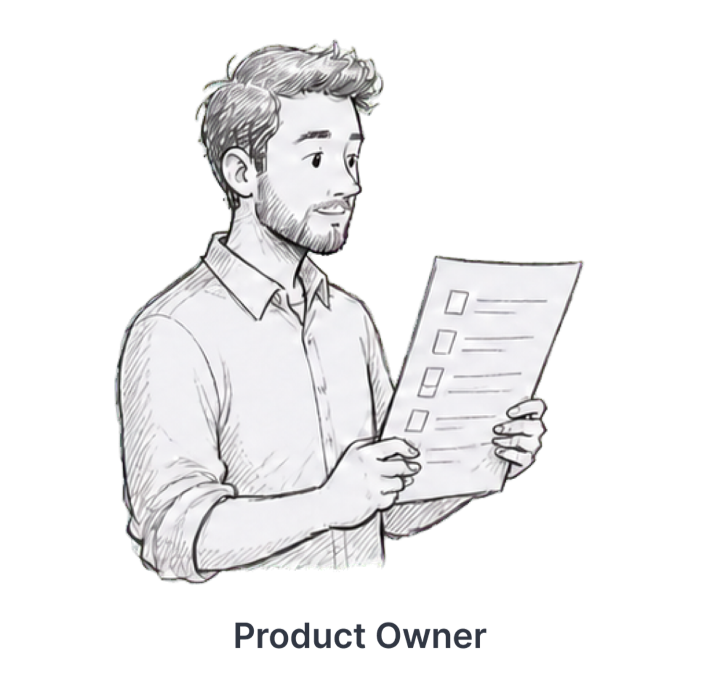
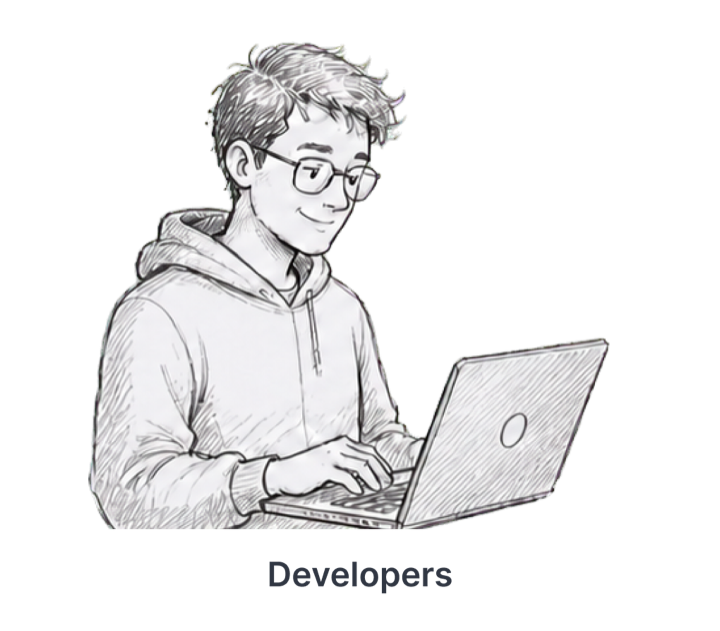
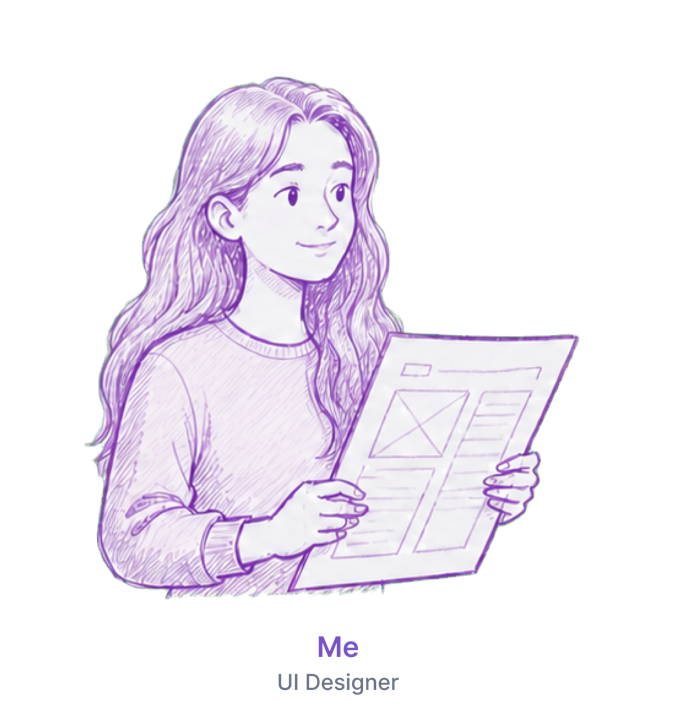
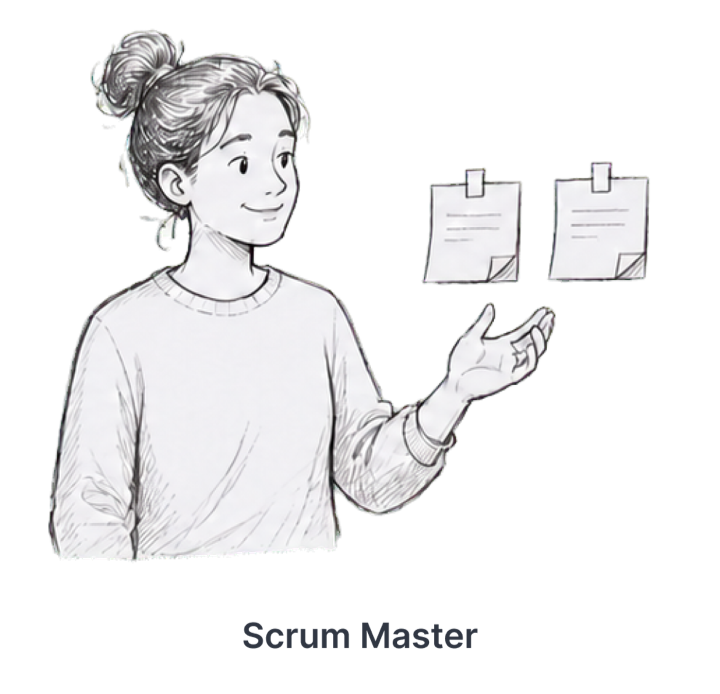
Across 12 two-week sprints, I clarified requirements, mapped flows, reviewed designs with the team, answered development questions, and updated the UI.
Review priorities, requirements, and open questions.
Map the creator flow, interaction states, and reusable patterns.
Check gameplay intent and development feasibility.
Resolve implementation questions and refine the next increment.
The screens below show navigation, editing tools, and Play Mode.
Access the platform’s main areas and settings from the navigation.
Choose assets, place objects, and adjust their properties in the editor.
Enter Play Mode to try the World you created.
I turned product requirements and gameplay rules into the MVP flow, screen layouts, interaction states, and reusable UI components.
I delivered high-fidelity screens, clickable prototypes of selected flows, key Creative Mode and Play Mode states, and reusable UI components. The team used these designs for review and ongoing development. The product had not launched when I left.